
Twitter Video Downloader
Paste a link to a public X post. PintSave shows each available video on its own card so you can choose an MP4 resolution or save its audio as an MP3.
Free to use

Secure connection

No account needed

How to download a video from X
-
01
Copy the post link
Open the post with the video you want. Copy its link from the Share menu in the X app or from your browser’s address bar.
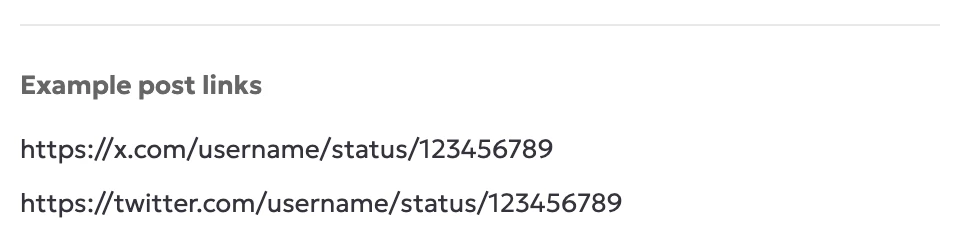
Look for /status/ in the address. -
02
Find the video in PintSave
Paste the link into PintSave and select the arrow beside the field. Use the preview image or duration, if shown, to find the right video.

Paste the link and select the arrow. -
03
Choose MP4 or MP3
Select the MP4 button for the resolution you want or choose Download MP3 to save the audio. Leave the page open until your browser starts the download.

Choose a download option on the video’s card.
Finding videos…